Every stock,
one clear view.
Live prices, your portfolio, advanced charts, price alerts, and morning and afternoon reports.
Free to use. Works on your iPhone and on your computer.

Features
Everything you check, in one place
The market at a glance
The S&P 500, Nasdaq, Dow and Russell, the companies you follow and the day's headlines, all on one live screen.
Charts that go deep
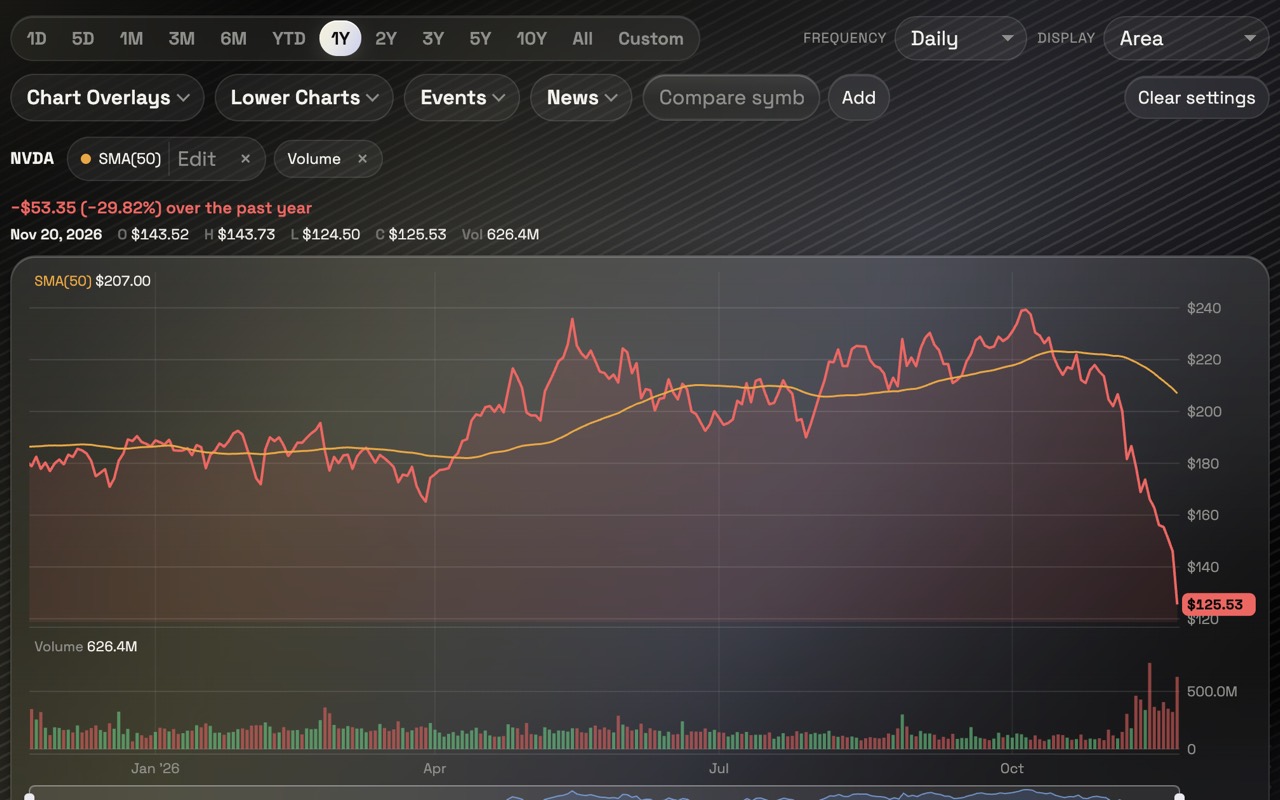
Open any company for a full chart with moving averages, RSI and earnings dates, from today back to its first day of trading.
Your portfolio, tracked
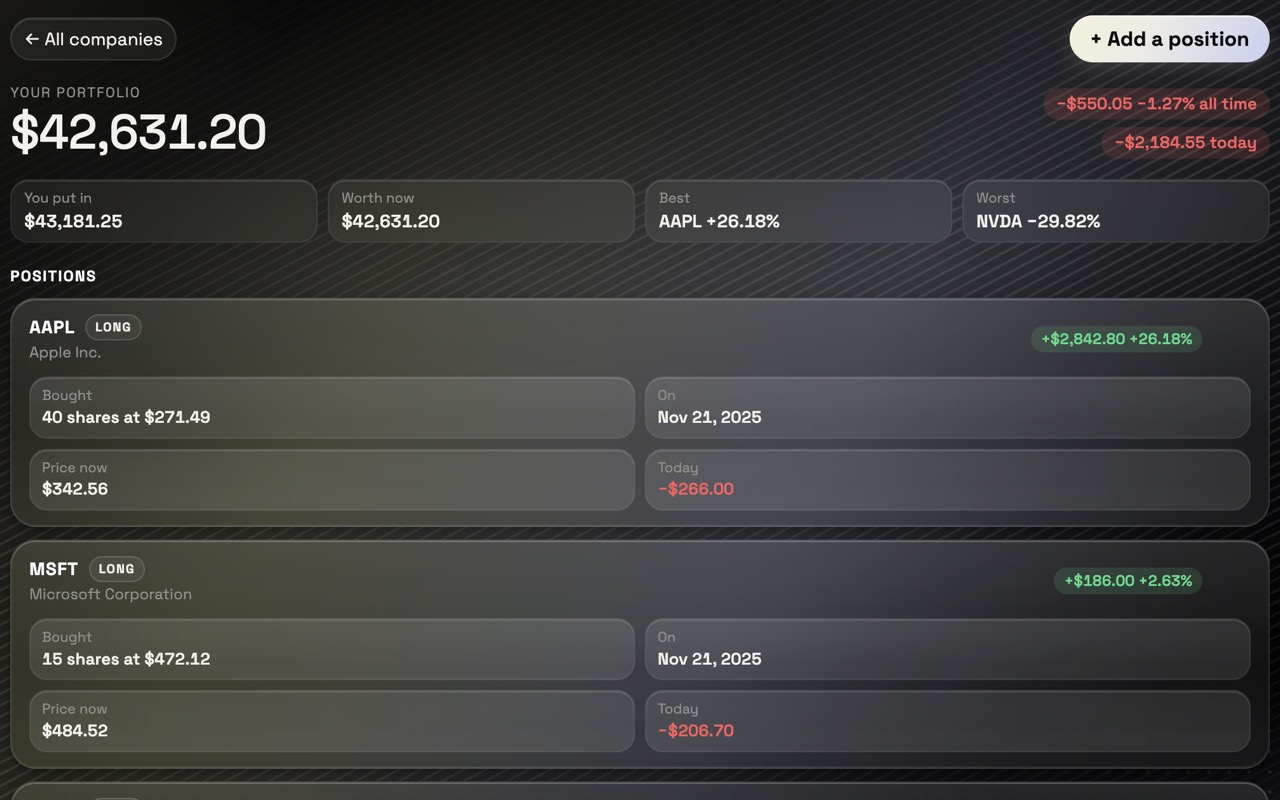
Add what you own and see its value, today's move and your total gain without a spreadsheet.
Reports and alerts that come to you
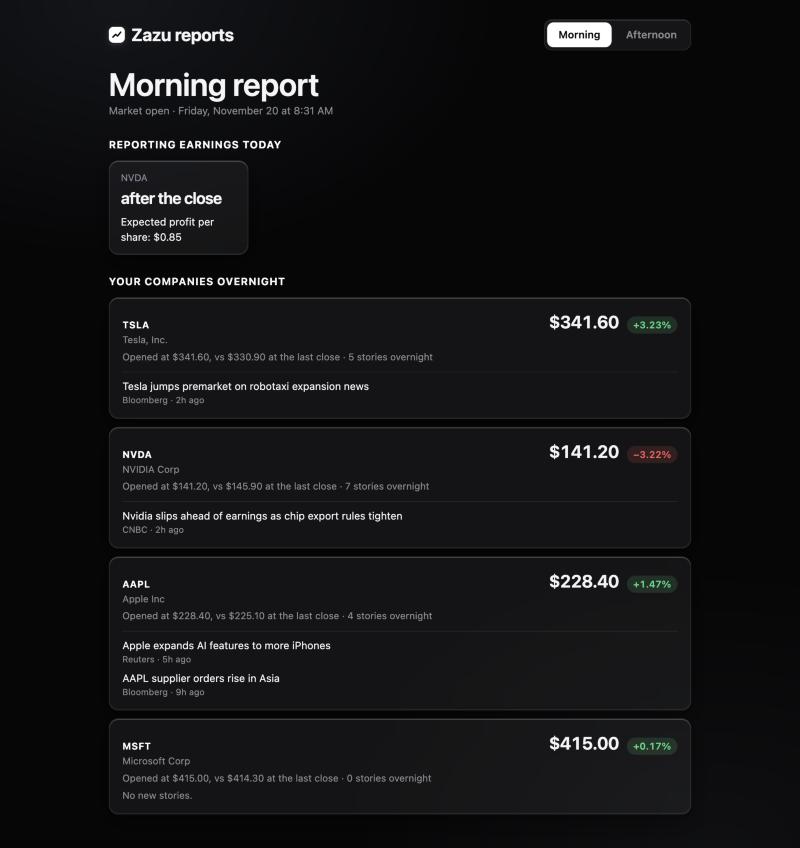
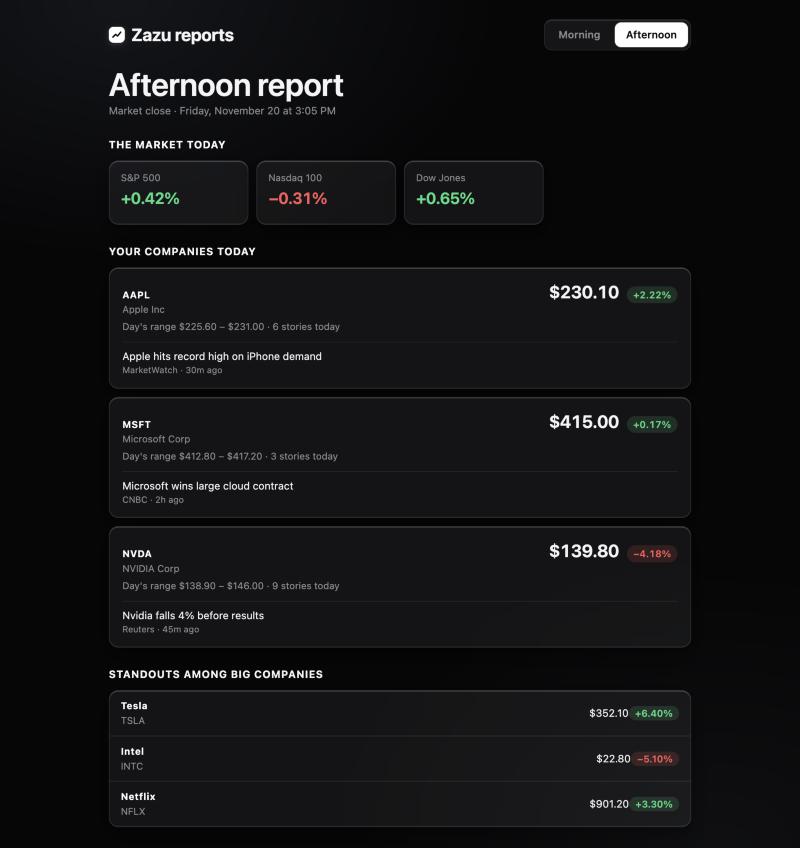
A short report at the opening and closing bell, plus an alert when news breaks, earnings land or a stock hits your price.
How it works
Set up in a minute
- 1
Create a free account
An email and a password. Your list follows you to every device.
- 2
Add your companies
Search by name or ticker. Add what you own to see your portfolio.
- 3
Choose your alerts
Pick the news, moves, prices and reports you want, and quiet hours when you don't.
iPhone app
Add Zazu to your iPhone home screen
- 1
Open in Safari
Visit this page in Safari on your iPhone.
- 2
Tap Share
The square with an arrow pointing up, at the bottom of the screen.
- 3
Add to Home Screen
Scroll down the list, tap it, then tap Add.
- 4
Turn on notifications
Open Zazu from its new icon, sign in, and tap “Turn on notifications” in Settings.